Manage Your Asian Vision Account Anytime, Anywhere

Take full control of your internet service with our new Asian Vision web app.
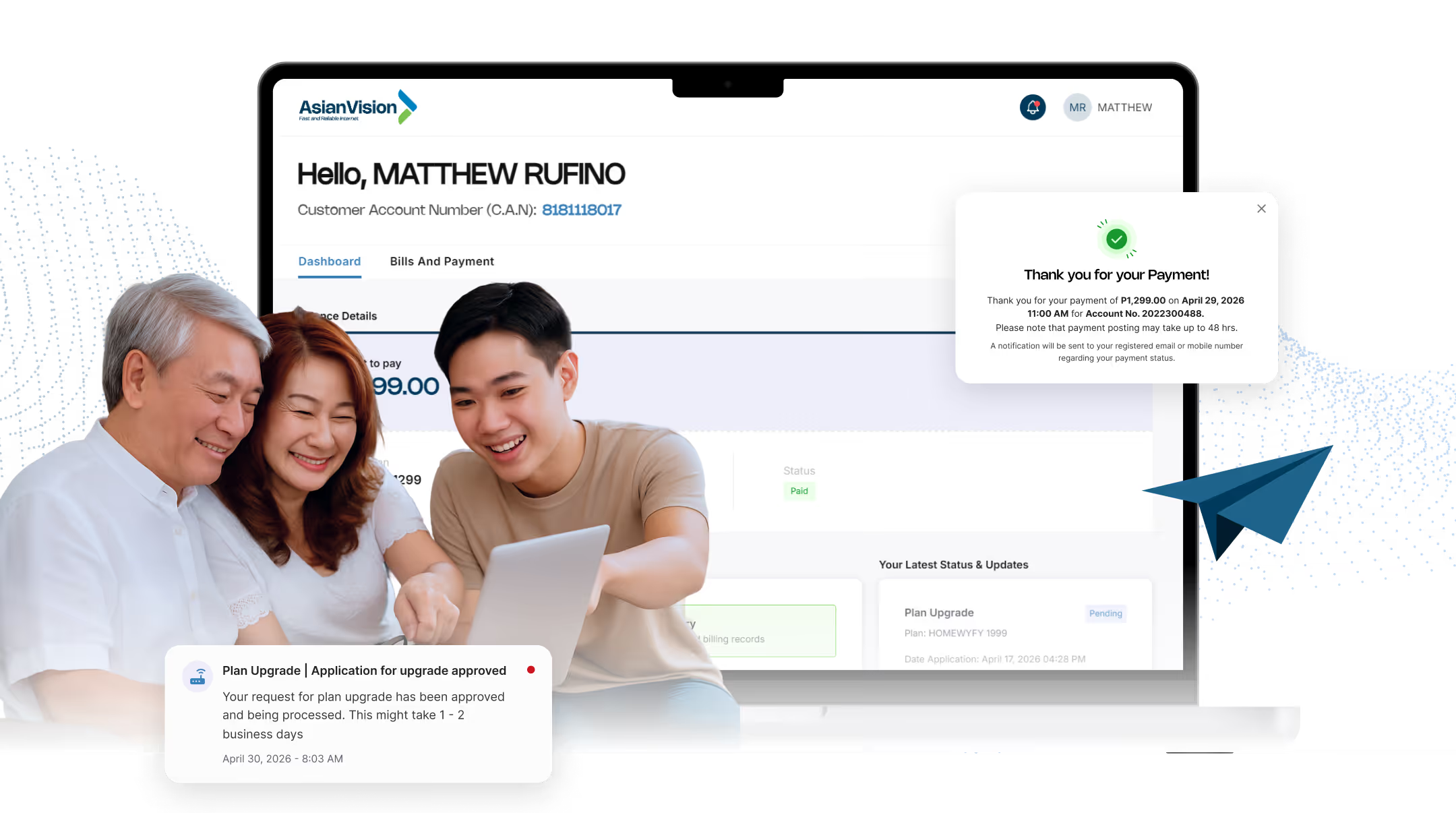
Three smiling people looking at a tablet in front of a laptop showing an online payment confirmation screen.

Everything You Need,
All in One App by Asian Vision

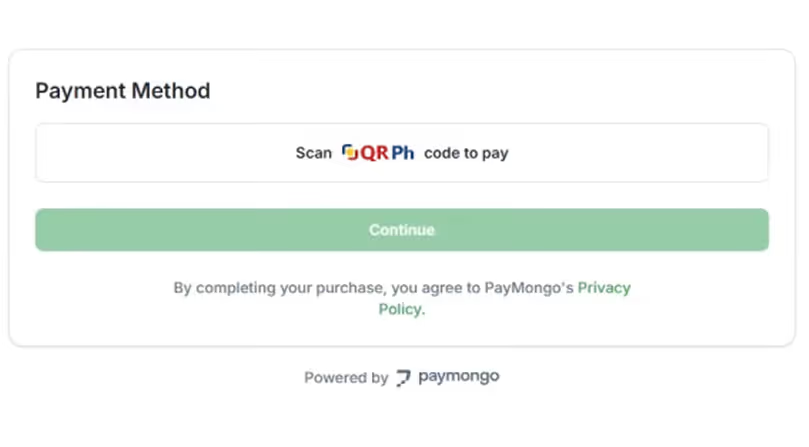
Payment method screen showing QR Ph code option with a green continue button and PayMongo's privacy policy note.

Pay Your Bill in Seconds.
No Lines, No Stress.

No more trips to the payment center or waiting in long queues. With secure in-app payment powered by PayMongo, you can settle your bill quickly and safely from your phone or browser. Whenever works for you.

Every Transaction,
Always Within Reach.

Need to check a past payment? It's all there. Your billing history is neatly organized so you can review transactions, pull up old invoices, and keep track of your account anytime you need to.
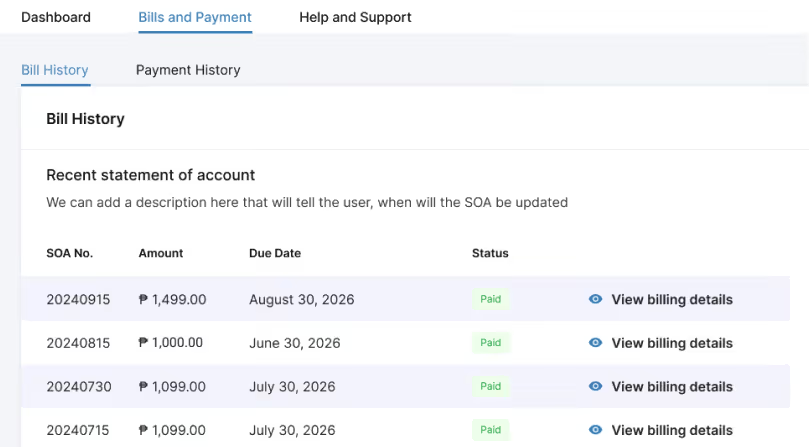
Billing history table showing SOA numbers, amounts, due dates, paid statuses, and links to view billing details.
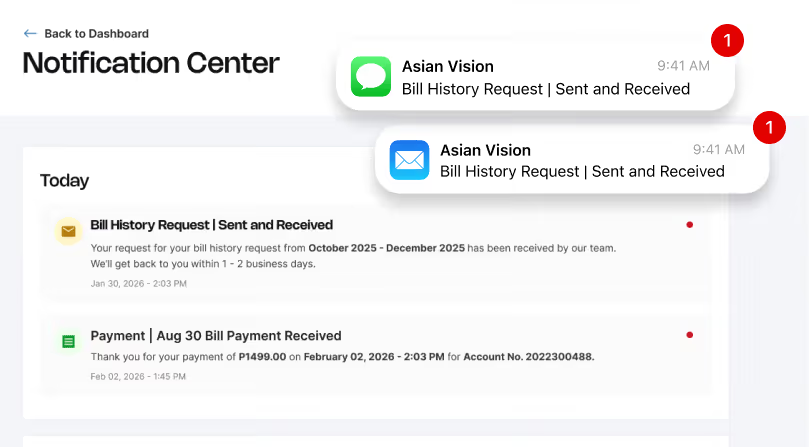
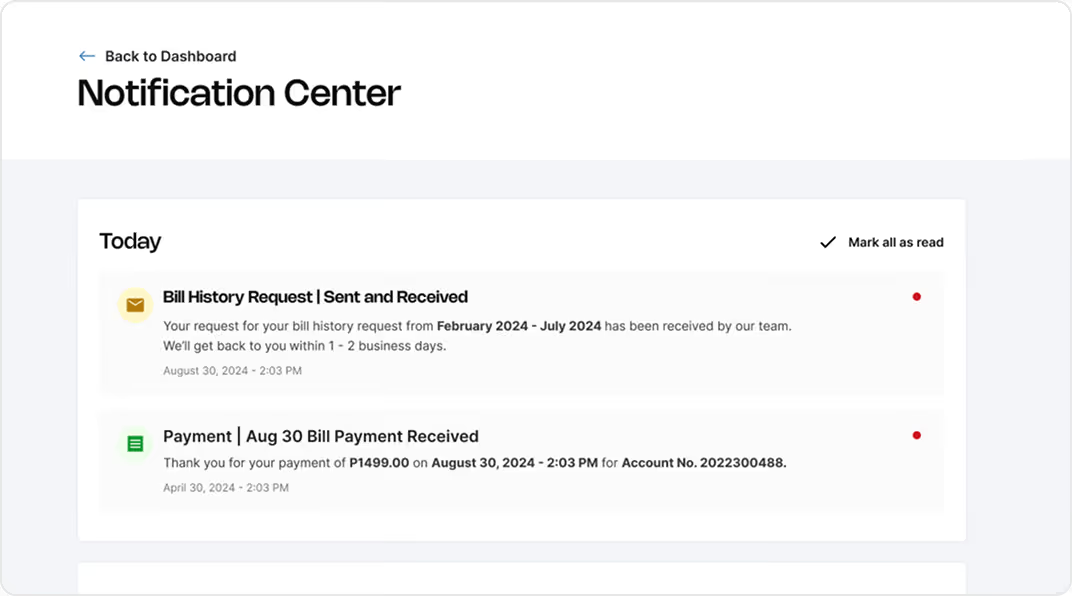
Notification Center shows bill history request and payment received notifications with timestamps and alerts.

Always in the Loop.

Get instant updates on payments, account activity, and service announcements the moment they happen. No more guessing, no more missed notices. Just timely alerts that keep you informed and in control.

Never Miss a Due Date Again.

Life gets busy. Set a reminder for your bill due date and we'll send you a heads up before it's too late. It's a small thing that makes a big difference in keeping your connection uninterrupted.
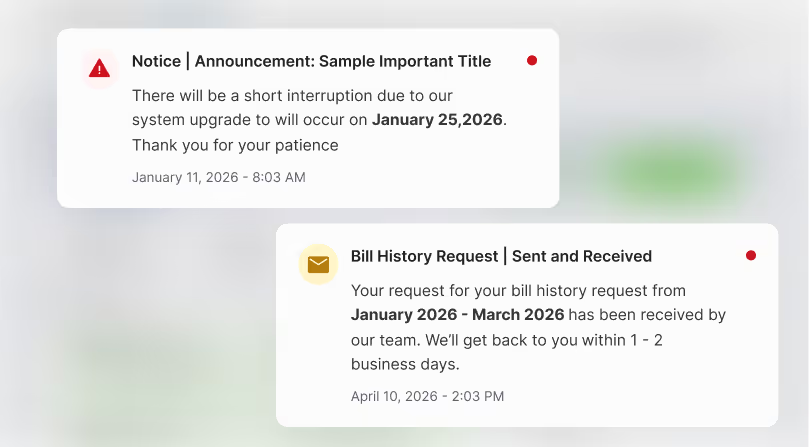
Two notifications: system upgrade on January 25, 2026, and bill history request received for January to March 2026.

How It Works

1
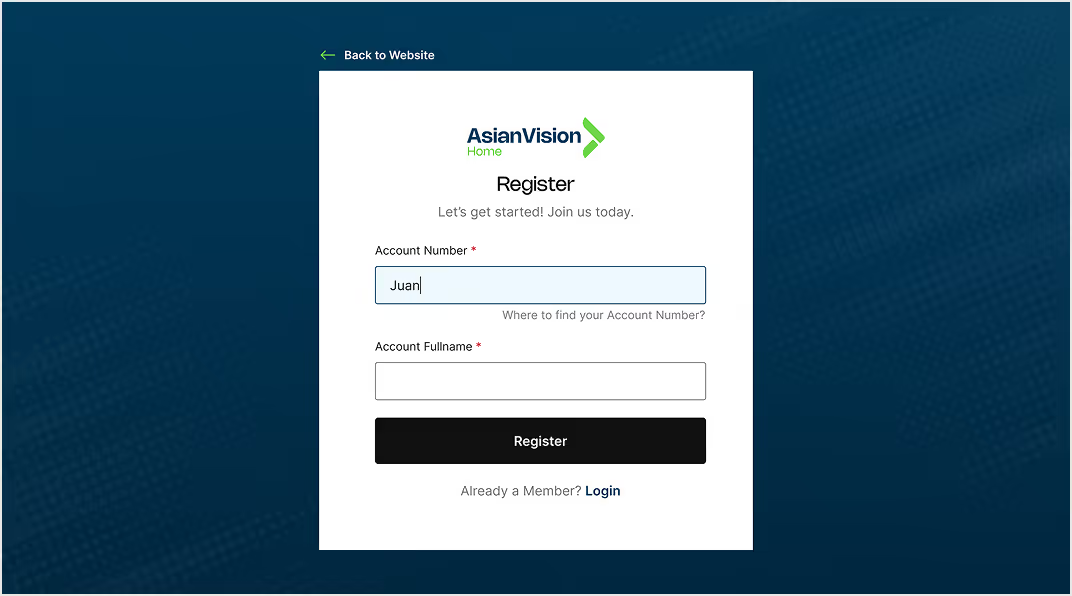
Asian Vision registration form with fields for Account Number and Fullname, and a Register button.

Sign in or Register

Simply enter your account number and full name to register, 
or log in with your existing details to access your account.
2
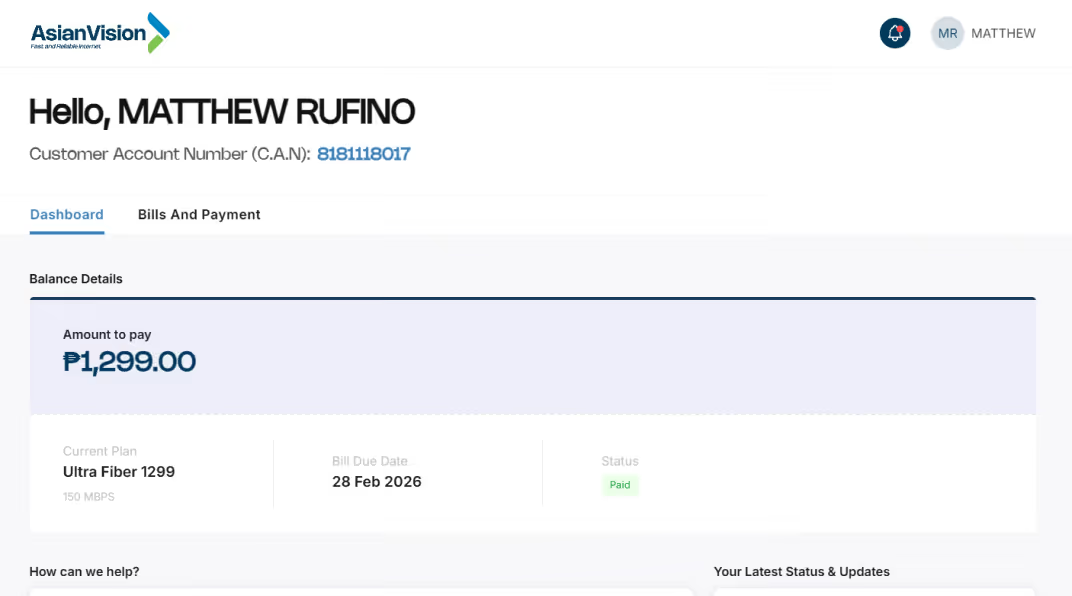
Dashboard showing amount to pay ₱1,299, plan Ultra Fiber 1299, due date 28 Feb 2026, and status paid.

Explore Your Dashboard

Manage payments, view billing history, receive real-time notifications, and set reminders—all in one place.
3
Notification Center shows two messages: bill history request and bill payment confirmation with dates and amounts.

Stay Notified and Connected

Receive notifications, set up payment reminders, and keep track of updates.

Your Questions About Asian Vision’s Web App, Answered

What is the Asian Vision Customer Portal?
dropdown arrow
Is there a fee to use the portal?
dropdown arrow
How do I make payments online with Asian Vision?
dropdown arrow
How will I be reminded of my upcoming payments?
dropdown arrow
How does Asian Vision ensure my information is secure?
dropdown arrow
Can I upgrade my plan through the portal?
dropdown arrow
How do I report a technical issue or connection loss?
dropdown arrow